
“How many years will it last” comes up at almost every meeting. The data sheets give a life in hours: the 960×960 mm outdoor cabinets, the mesh screens and the indoor P0.93 are rated from 100,000 hours, the P15, P31.25 and P50 media facades from 50,000. Hours and years are not the same thing, and the whole difference between them comes from the conditions the screen works in.
Hours against years
The conversion is direct: the rated life divided by the actual time on air.
| Rated life | 12 hours a day | 18 hours | Around the clock |
|---|---|---|---|
| 100,000 hours | about 23 years | about 15 years | about 11 years |
| 50,000 hours | about 11 years | about 7.5 years | about 5.5 years |
Hence the first practical conclusion: the operating schedule affects the life more than the brand of LED does. A screen in a school assembly hall is switched on for two or three hours a day on weekdays — its rated life will outlast the building. An outdoor screen on a shopping centre facade runs 16–18 hours a day, and there the count is already in a comprehensible fifteen years or so.
The second conclusion is less pleasant. The figure in the data sheet was obtained at nominal current and normal temperature. Anything that takes the screen outside those conditions shortens its life.
Why a screen does not go dark all at once
An LED does not burn out like a bulb — it dims. Brightness falls away gradually and not quite evenly across the screen, so ageing looks not like “it switched off” but like “it has gone greyish and slightly blotchy”. On a solid fill this shows up sooner than on video.
The cure is not a new screen but calibration: the control system evens out brightness and colour temperature across the whole screen, pulling the bright areas down to the weak ones. Calibration cannot fully restore the factory picture, but it removes the main complaint — unevenness.
That is exactly why “service life” is not the date the screen dies but the running time after which the picture differs noticeably from day one. Screens we installed in 2017–2020 are still working: the screen at the EXPO-2017 site, the screen in the Karaganda airport concourse from 2020, the two screens in the RAMS sales office — an indoor P3 and an outdoor cabinet screen, February 2020.
What actually shortens the life
- Brightness in use. Brightness is current through the LED, and current is heat. An outdoor screen held at 100 % around the clock ages noticeably faster than the same screen with a 30–40 % night mode. Auto-brightness by sensor and schedule is not about saving electricity but about service life. More on this in the article on choosing brightness.
- Temperature. The operating range in the data sheet is not a safety margin but a boundary: −40…+50 °C on the outdoor models, −20…+40 °C on the indoor 640×640 cabinets, up to +60 °C on the P0.93 and the mesh screens. What kills is not the heat itself but overheating inside the structure: a screen in a sealed recess with no clearance runs far hotter in summer than the same one on an open facade.
- Moisture and condensation. The outdoor models are IP68 front and back, the media facades IP65 and IP67 — water from outside does not threaten them. Condensation inside is more dangerous: it appears when a warm screen cools sharply while the housing has lost its seal through a badly tightened cable gland or a rear cover taken off and put back carelessly. Indoor models at IP24 and IP31 are not made for water at all — a leaking roof above a screen in a hall will finish it off faster than any wear.
- Power quality. The 5 V power supplies are the link most sensitive to the mains. Sags, spikes and the absence of proper earthing cut their life several times over. A stabiliser and a dedicated power line for the screen cost incomparably less than replacing power supplies across the whole screen one by one.
- Dust. Outdoors, dust settles on the mask between the LEDs and on the heat sinks; the screen sheds heat less well and looks greyer. In Almaty a facade screen collects a noticeable layer over a season.
- Operating pattern. A steady, constant regime is gentler on a screen than frequent switching on and off and sharp swings in brightness. A playlist with smooth transitions is also a matter of service life.
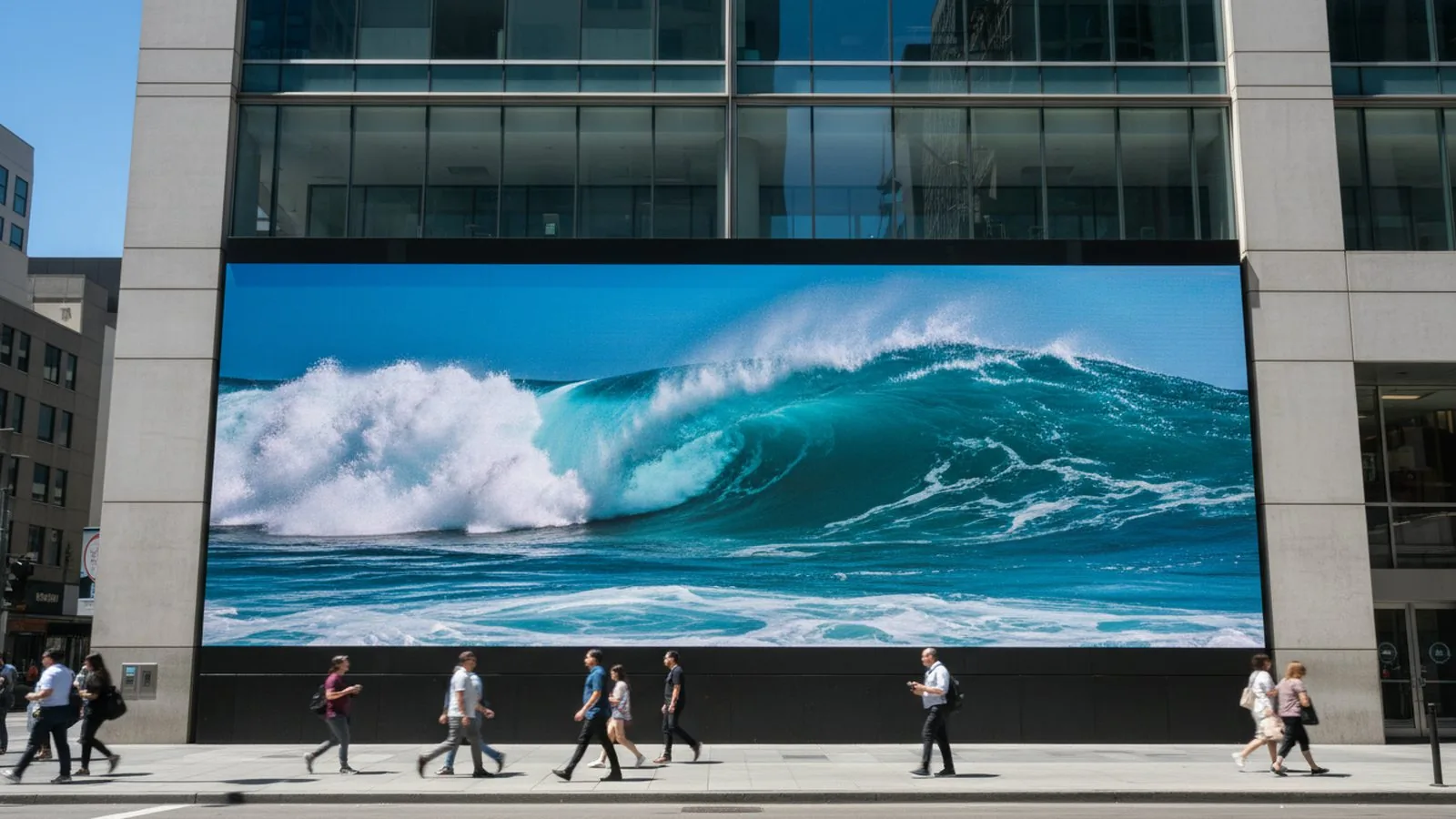 Running at full brightness in the sun wears the LEDs out fastest. Auto-brightness extends the life of the screen.
What fails first
Over years of operation the order of failures repeats itself:
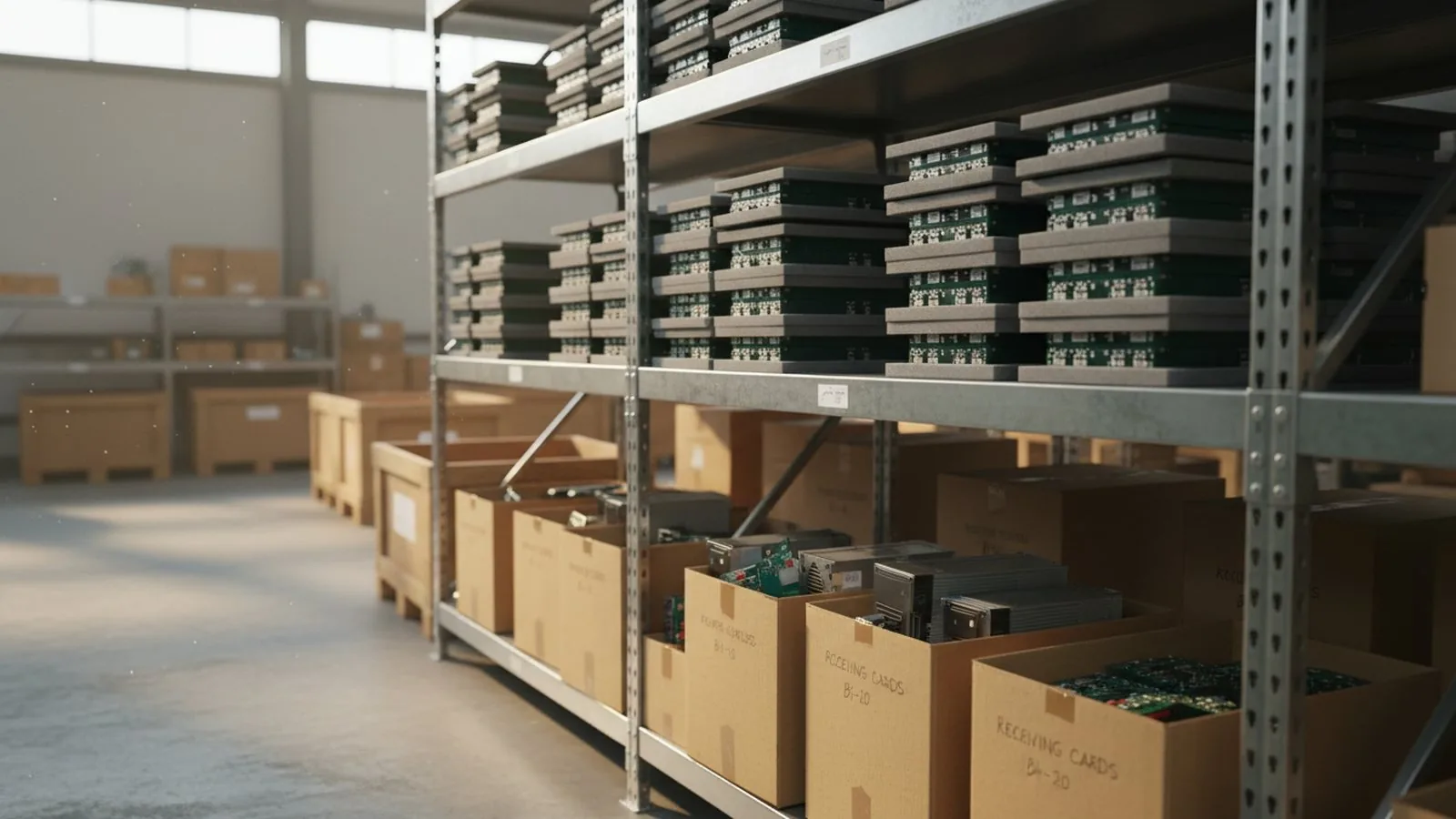 The store of modules and power supplies in Almaty: what usually gets replaced is one part, not the screen.
- Power supplies. Consumable number one. They are replaced in a few minutes, cost little, and the failure is obvious at once: a group of two to four modules goes dark.
- Receiving cards. Less often, usually after a spike in the mains. The symptom is a patch of the screen showing garbage or a black field while its neighbours work.
- Individual modules. Dead pixels, a row or column gone out, a shifted colour cast. One module is replaced and the screen does not have to come apart — on cabinet models with magnetic front servicing this is done from the face, without taking the screen off the wall.
- Cabling. Patch cords and ribbon cables. The cheapest and the quickest to find: everything after the broken point in the chain goes dark.
The whole list has one thing in common — it is a repair by replacing a part, not the screen. A screen built from cabinets or modules is convenient precisely because it is repaired element by element.
Maintenance
A screen works for years if it is looked after. The minimum worth doing:
- Cleaning. An outdoor screen every six months, more often if there is construction or a busy road nearby. The heat sinks and vents get cleaned at the same time.
- Checking the fixings. The steelwork, the mounting points, the tightness of the bolts. A screen hangs on a facade for decades, and this is the one item where a mistake is dangerous not to the screen but to people.
- Temperature monitoring. Modern receiving cards report the temperature inside the cabinet, and it is visible from the operator’s position. A rising temperature in one area means a blocked heat sink or a dying power supply there.
- Inspection of cabling and power supplies. A scorched terminal is found by eye in five minutes.
We do this under a service contract: a scheduled inspection every six months, remote monitoring of card status and temperature, and a log of what was changed, where and when.
Warranty, service and spares
Screens of our own build and the equipment we supply carry a warranty of 2 to 5 years depending on the model. A warranty case is closed by replacing a module, a power supply or a card — the stock for each delivery sits in the warehouse in Almaty, so a call-out does not turn into waiting for a parcel from China.
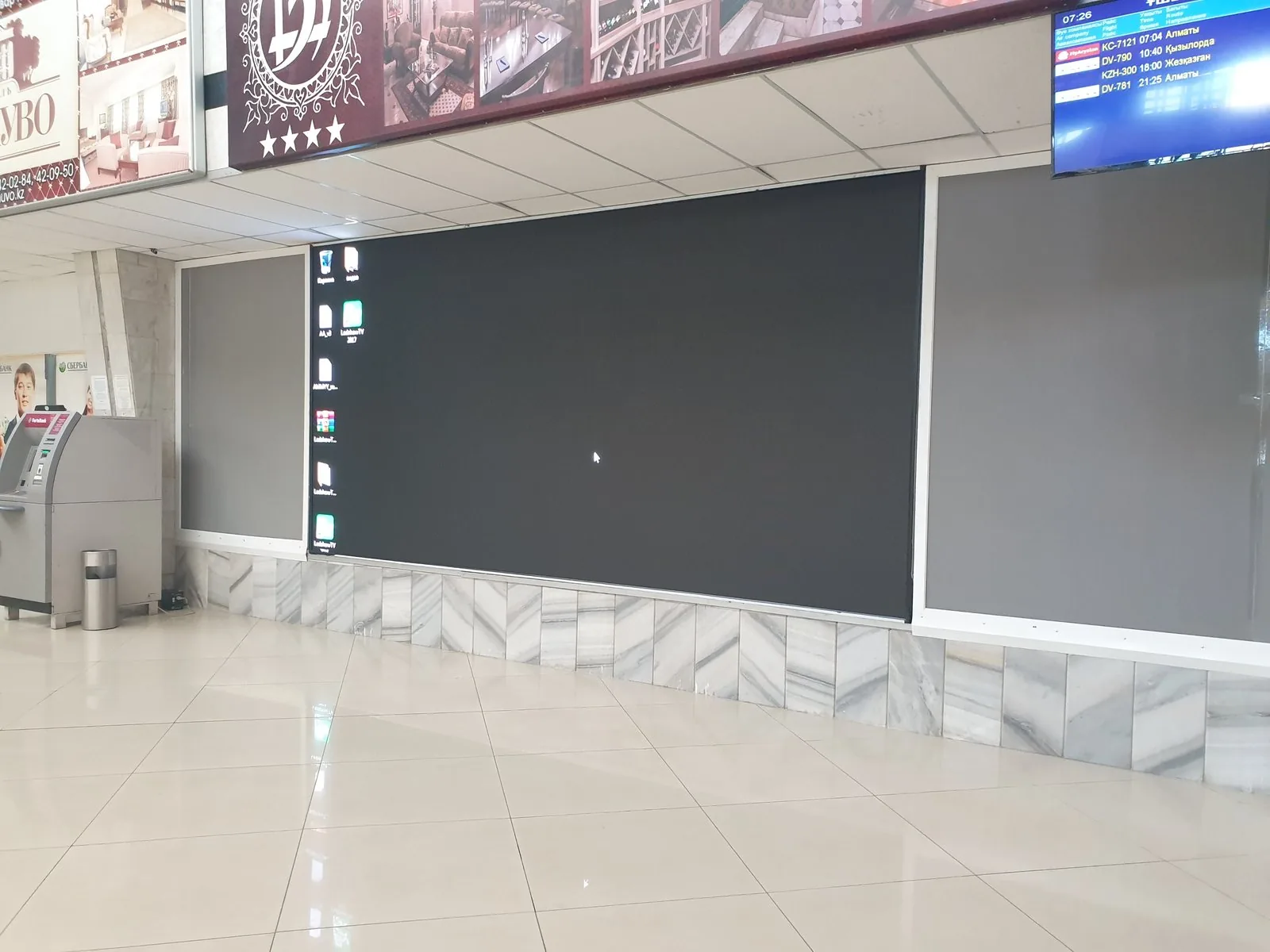 Karaganda airport: the screen has run since 2020 in a near round-the-clock regime.
Post-warranty service is for the screens we supplied: we know their composition down to the card model, find compatible replacements for discontinued modules and migrate to another control system if the old one is out of support. We come, we look, and we say plainly whether to repair or replace. For a customer with a network of screens this is the main question: the contractor who installed them five years ago must not vanish — we have been working since 2012 and still service screens delivered many years ago.
For networks we recommend keeping your own spares — 2–3 % of the number of modules on site, plus power supplies and one or two receiving cards. The reasoning is simple: a screen in a shopping centre or on a highway cannot wait a week. With spares on site the replacement takes half an hour and your own technician can do it, and we replenish the warranty part afterwards.
The resource is used up fastest where the screen runs at full brightness: in stadiums and on outdoor sites. In schools and offices the same screen is switched on for a few hours a day at moderate brightness, so it lasts noticeably longer.
If you want to know how much life your screen has left, or what is wrong with it, send us the dimensions and photos of the installation site — better still, a couple of shots of the screen itself on a solid fill. Those usually show both the condition of the LEDs and what to replace first. Questions about someone else’s screen are welcome too: we will look and give you an honest answer.
See also

A turnkey screen: quote, installation, launch.
Send us the dimensions and location — a quote today. We reply on WhatsApp daily from 9:00 to 20:00.