
A familiar situation: the screen in the hall looks fine, but as soon as you film it on a phone, dark bands crawl across the picture, and on camera footage flicker is added on top. The cause is almost always one specification that people read last in the data sheet — the refresh rate.
Refresh rate and frame rate are different things
They are constantly confused, although they are about different things.
- Frame rate is how many times a second the image itself changes. For video that is 25 or 30 frames per second, the same as in your clip.
- Refresh rate is how many times a second an LED manages to light up and go out within a single frame. It is measured in hertz, and it runs into thousands, not tens.
An LED physically has only two states — on and off. It renders shades by flickering: to show grey instead of white, the LED is lit for half the time. The eye does not resolve that flicker and sees an even tone. A camera does resolve it.
In our models the refresh rate is given as a separate line in the data sheet: on the overwhelming majority of indoor and outdoor screens it is from 3,840 Hz, and on the 500×1000 mm outdoor P3.91 cabinet from 3,840 to 7,680 Hz. There are exceptions: the indoor cabinet P3.91 is listed at 1,920/3,840 Hz, the mesh screens at 1,920–3,840 Hz, the P15 media facade from 1,000 Hz. Nobody films a media facade on a building in close-up, so that is fine for it; for a screen behind a presenter it is not.
Where the banding comes from
A camera does not record continuously. The sensor in most cameras, and every phone sensor, works on a rolling-shutter principle: the rows of a frame are read out not simultaneously but from top to bottom, with a tiny delay between rows.
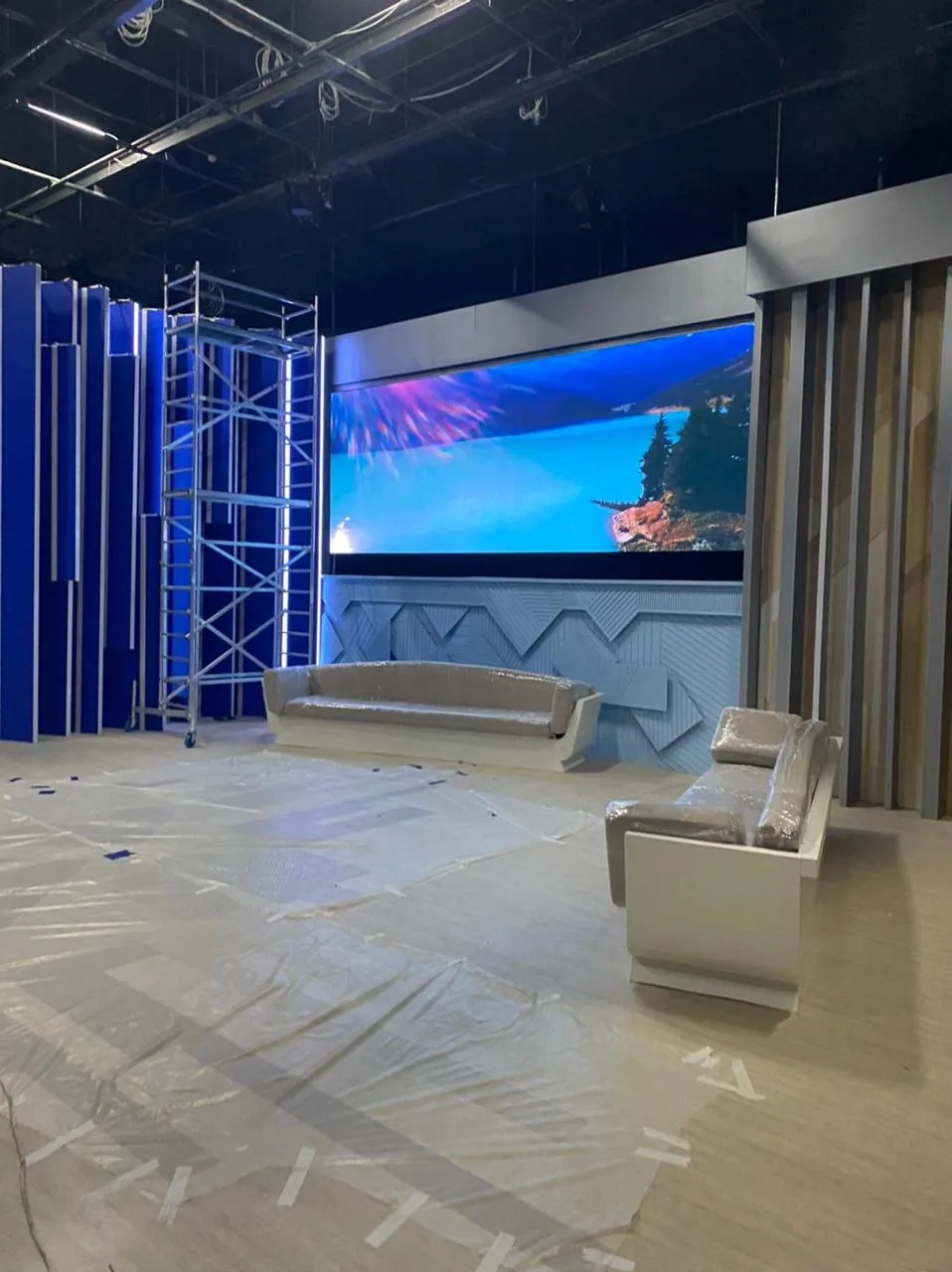 The Eurasia TV studio in Almaty: the screen is filmed every day, so refresh rate matters more here than brightness.
While the top of the frame is being read out, the LEDs manage to blink several times. While the bottom is being read out they blink too, but now in a different phase. As a result the top and bottom of the screen land on different moments of the flicker, and horizontal light and dark bands run across the shot. On video they also crawl, because the phase shifts from frame to frame.
The higher the refresh rate, the more flicker cycles fit into the read-out of a single row — and the more they average into an even brightness. At 3,840 Hz there is no banding in ordinary filming. At 1,920 Hz it appears at short shutter speeds; at 480–960 Hz it appears almost always.
What shutter speed has to do with it
Shutter speed is the time the camera takes to gather light for one frame. The shorter it is, the fewer flicker cycles fall into the frame and the more visible the banding.
| Shooting conditions | Typical shutter speed | What you see on the screen |
|---|---|---|
| A guest filming the hall on a phone | 1/50–1/100 s | Clean at 3,840 Hz |
| A studio camera on air | 1/50–1/100 s | Clean at 3,840 Hz |
| Bright light, camera on automatic | 1/500–1/1000 s | Below 3,840 Hz — banding |
| Slow motion | 1/1000 s and shorter | Headroom in refresh rate needed |
Hence a practical rule: if the screen is going to be filmed in bright light or in slow motion, a refresh rate “on the edge” will not be enough. That is why studios take models where 3,840 Hz is the minimum, not the maximum.
Who this matters to
- TV studios. A screen in a studio is not watched — it is filmed. We installed screens in the Eurasia TV studio in Almaty on Republic Square and in the Eurasia studio in Astana — the second one specifically for work in shot, at P2 pitch. More on the requirements for a studio screen on the solutions for TV studios page.
- Stage and concerts. The screen behind a performer ends up in the broadcast and in footage of the hall. A banding backdrop devalues the entire recording of the event. What to allow for on stages and halls is a topic of its own, but refresh rate is the first item there.
- Conferences with a broadcast. A presentation on the screen in the hall has to read on Zoom and in the recording as well. Bands across a slide of figures mean questions from the audience about the picture rather than the content of the talk.
- Anything guests film. A restaurant, a banqueting hall, a shop, a showroom. Nobody there commissions filming, but phones in the room are recording all the time, and the screen is in shot every evening.
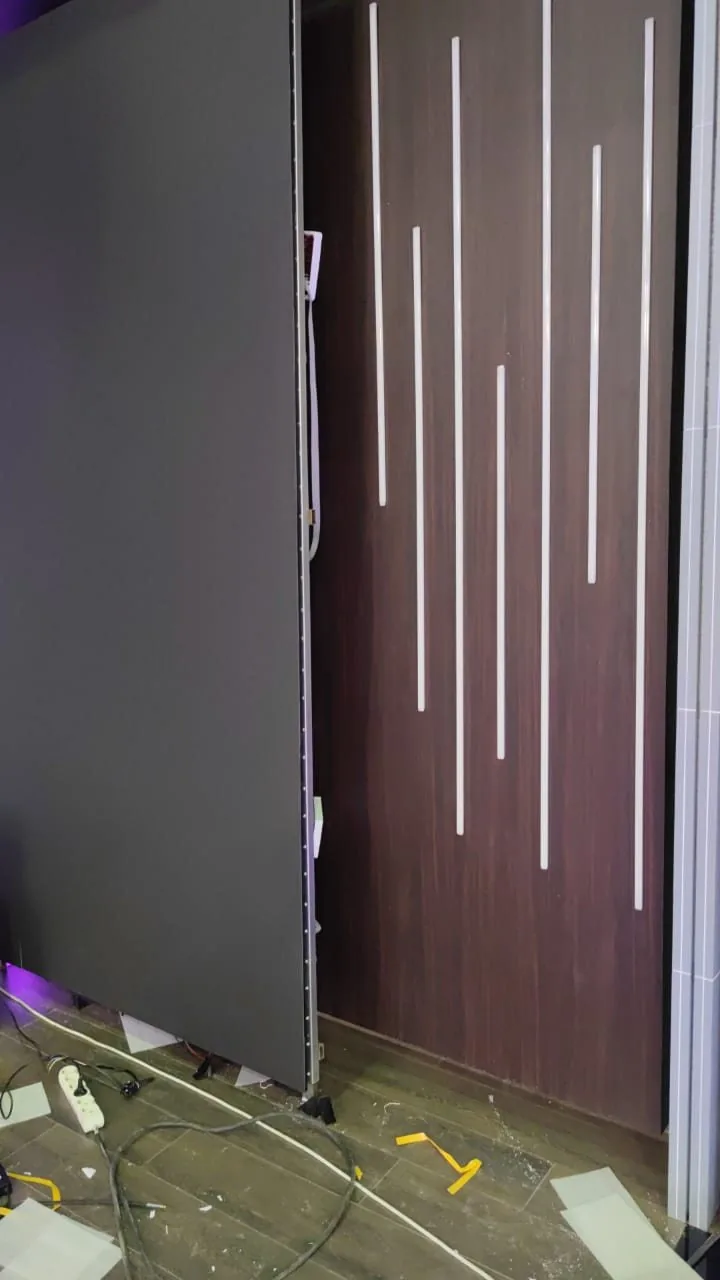 The Eurasia TV studio in Astana: P2 pitch, a screen installed specifically for work in shot.
What else spoils the shot besides refresh rate
Brightness against studio lighting. In a studio the screen must not compete with the lights. Indoor models give 350–550 cd/m², the cabinet versions on 500×1000 mm about 1,000 cd/m². In shot they run at a noticeably lower brightness than the rated one: a screen brighter than the faces blows out to white, the operator stops down, and the studio drops into darkness. An outdoor screen at 5,500–7,800 cd/m² is entirely unsuitable indoors for filming.
The grey scale at low brightness. When a screen is dimmed to 20–30 %, cheap cards lose gradation in the shadows: a smooth gradient breaks into steps and dark areas go flat black. This is a specification separate from refresh rate — colour processing depth. What to look at is not the peak brightness but how the screen looks at the working 20–30 %.
Pixel pitch and moiré. The pixel grid of the screen overlays the grid of the camera sensor and produces patterning — moiré. The coarser the pitch and the closer the camera, the more visible it is. For a studio where the presenter stands a metre or two from the screen a fine pitch is chosen: in our catalogue those are the indoor models P0.93, P1.53, P1.86 and P1.95. Moiré is also treated with distance, camera angle and a slight defocus of the background, but the place to start is the pitch.
Colour rendition. The screen and the studio lighting have to match in colour temperature, otherwise the background drifts blue or green relative to the faces. This is set up at commissioning in the control system — like everything else we wrote about in the article on controlling a screen.
How to test a screen with a phone in a minute
Before buying it is worth looking at a demonstration screen with your own eyes — more precisely, with your phone camera. The order is as follows:
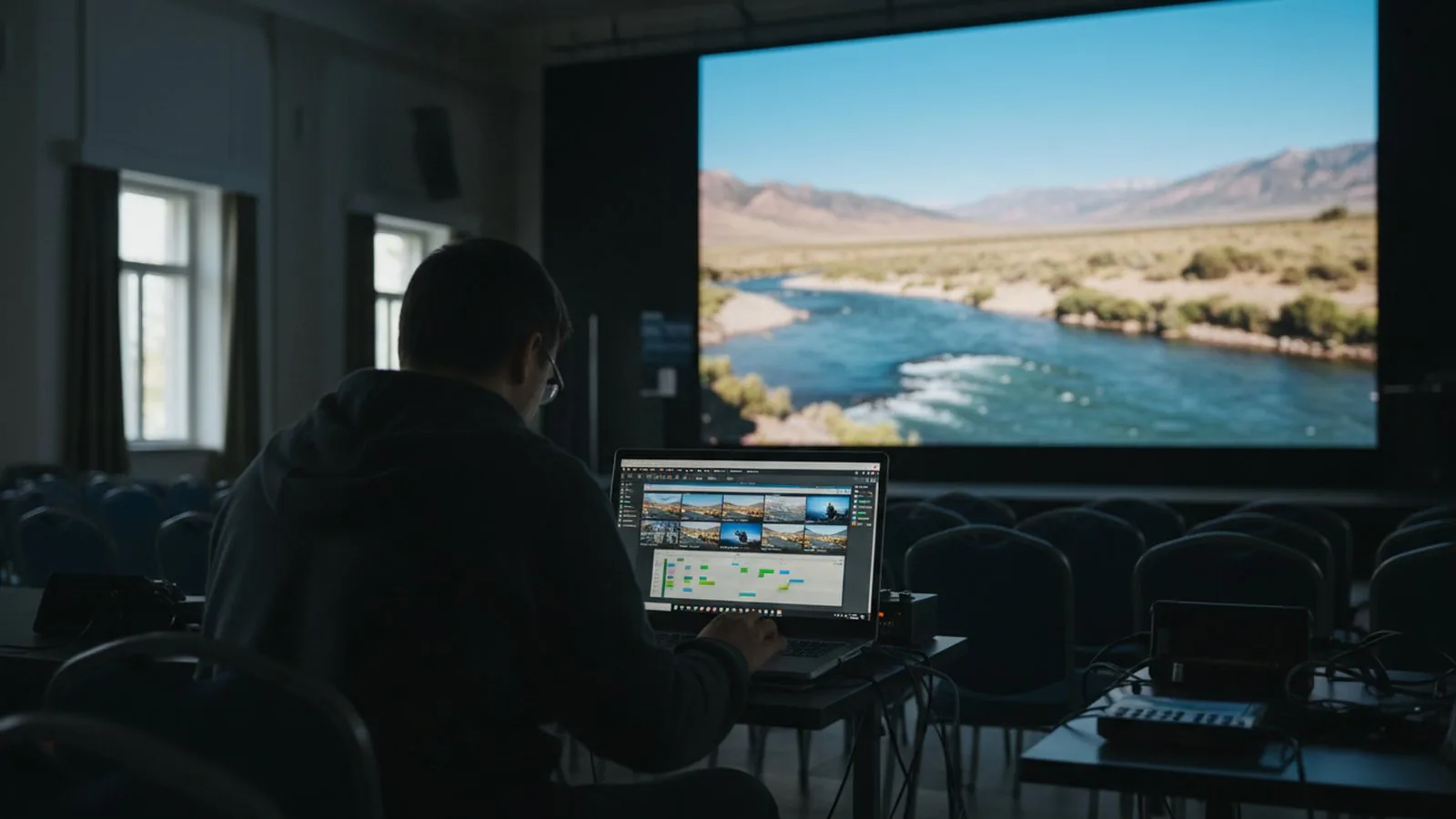 The check takes a minute: film the screen on a phone at different shutter speeds and see whether banding appears.
- Open the camera, point it at the screen, record a short video of the whole screen and in close-up. At 3,840 Hz no banding should appear in any mode.
- Switch the phone to manual or “sport” mode and set a short shutter speed — 1/1000 s. Here the difference between 1,920 and 3,840 Hz becomes obvious.
- Ask for a white fill on the screen, then a 50 % grey, then black. White shows patches of unevenness, grey shows steps and noise, black shows stray backlight.
- Ask for the brightness to be dropped to 30 % and repeat with the mid grey. That is the level at which the screen works in shot.
- Film from an angle and from various distances — that is how moiré shows itself.
If the seller will not let you film the screen on a phone, or only shows a bright video with fast cuts, that is an answer in itself. Fast cuts hide both the banding and the grey scale.
Send us the dimensions of the hall, the plan of the camera position and a photo of the place — we will select the pitch and the model for the way the screen is going to be filmed, and quote the refresh rate from the data sheet rather than from a brochure. If your screen is already installed and bands on video, write to us as well: the question is often solved by settings in the control system, without replacing any equipment.
See also

A turnkey screen: quote, installation, launch.
Send us the dimensions and location — a quote today. We reply on WhatsApp daily from 9:00 to 20:00.