

One screen is looked after by one person with a USB stick. Ten screens in different buildings are already a system, and if it is not designed in advance it eats into everyone’s time: marketing, IT and service alike. Here is what is worth settling before the second screen goes up.
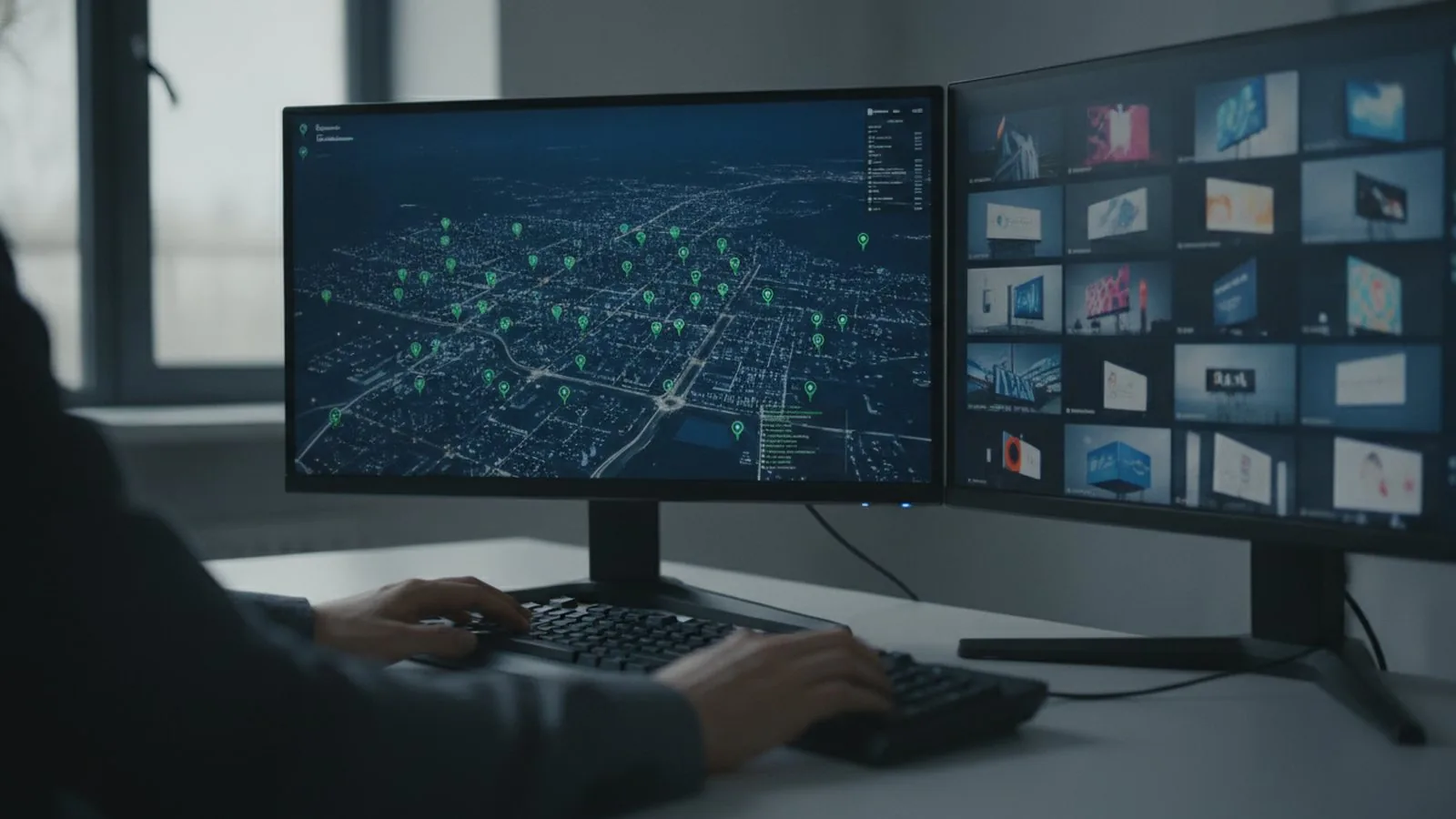 A network is in order when every screen is visible from a single desk: where it stands, whether it is online, what it is showing.
One equipment standard
A network of screens with different receiving cards means different control software, different configuration files and different spare parts in the store room. The rule is simple: one control ecosystem across the whole network (Novastar or Huidu), two or three module sizes, one type of power supply.
Then:
- a spare module fits any screen in the network;
- content is prepared at one resolution per class of screen;
- training a single operator is enough for every site.
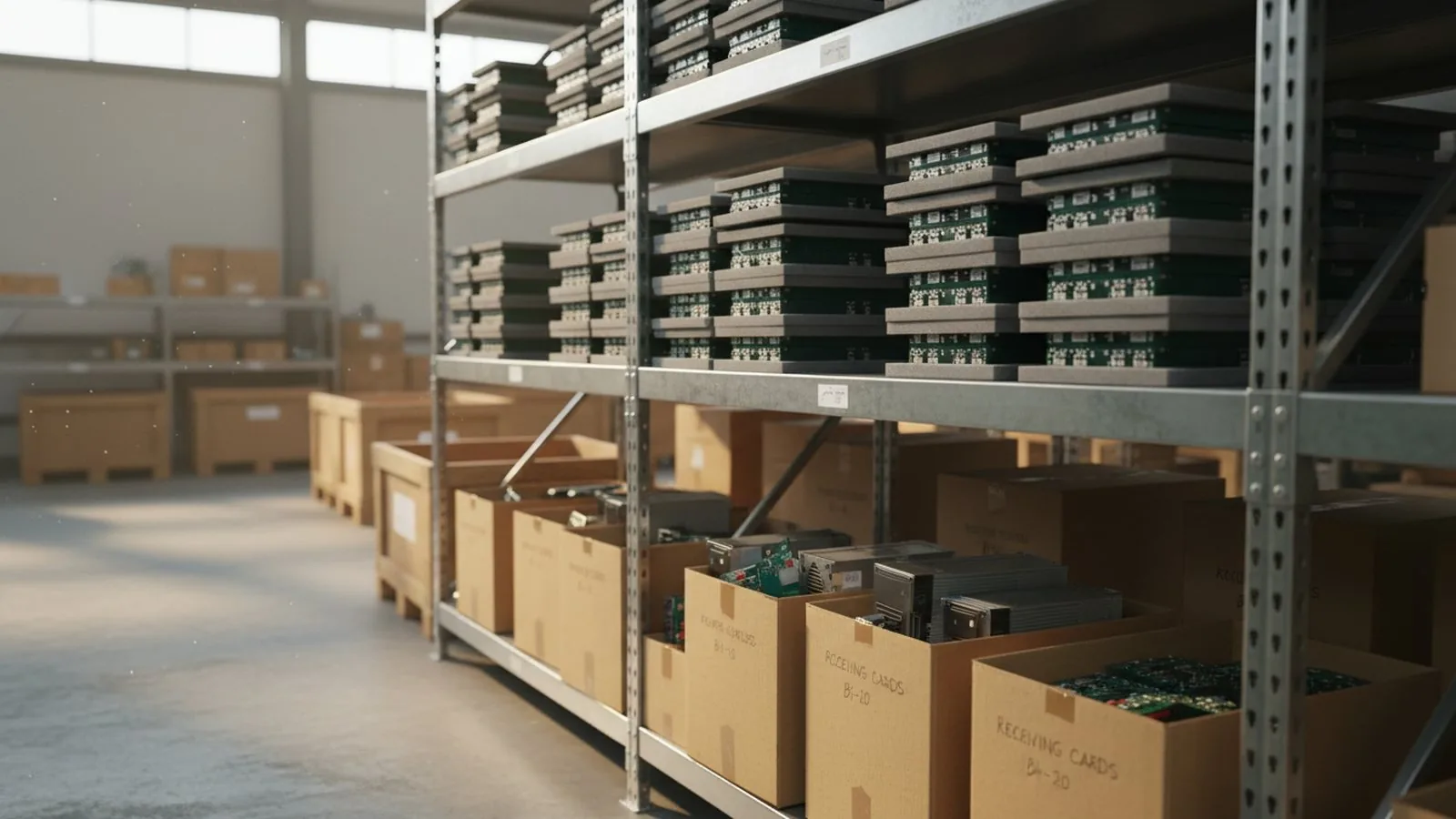 A single standard means one shelf of spares for the whole network, not a box for each site.
Remote control from day one
Every screen in the network must be visible from a single desk: its status, temperature, what it is showing, when it last checked in. Control software over the internet gives you this — the screen gets a static address or connects to the card manufacturer’s cloud service.
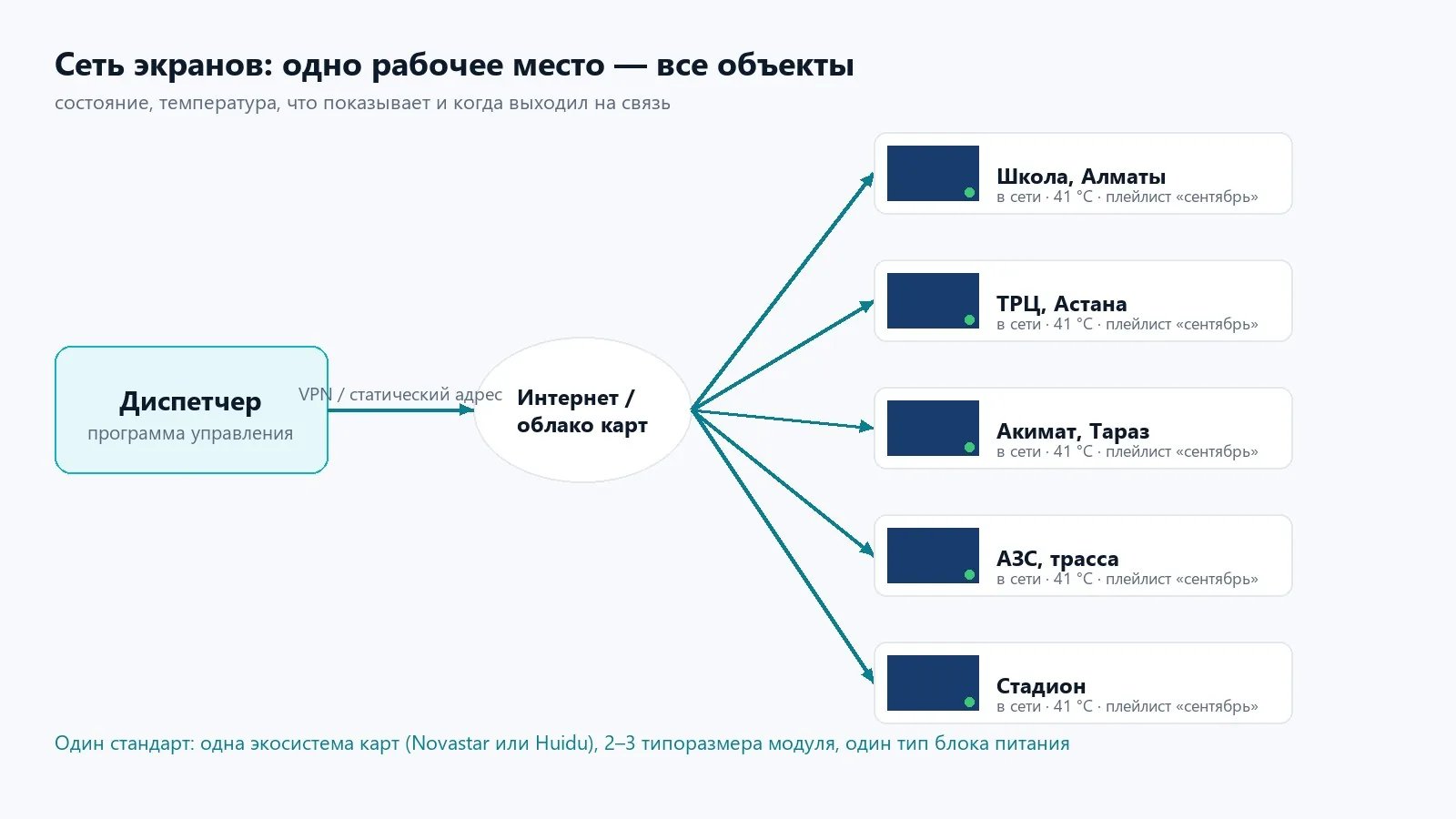 One desk, one internet link, any number of sites. A new screen is added to the list, not to a separate program.
Without it, the only way to learn that a screen in another city has gone dark is from passers-by.
A single content plan
The problem with networks is not the hardware but the content. Three questions worth closing:
- Who is responsible for the schedule and uploads — one person, or each site for itself.
- At what resolution clips are prepared: for a network of screens with different shapes, two or three templates are easier than a layout per screen.
- How you verify that a clip actually went out: a scheduled screenshot from the screen, or a report from the software.
Service to a set procedure
On a network of ten screens something happens every month: a module drops out, a cable works loose, a power supply burns out. You need these in advance:
- a stock of spares for each module size — 2–3% of the total number of modules;
- a contract with a defined procedure: call-out time, a scheduled inspection every six months, cleaning of outdoor screens;
- a log — what was changed, where and when.
 Replacing a module takes minutes if the spare is on the shelf and you know exactly which module is fitted at that site.
Power and connectivity
A screen draws power unevenly: the peak on a white frame is 2–3 times the average. Each site needs its own calculation of circuits and breakers, not a copy of the last one. Connectivity means a dedicated line or VLAN, so the screen does not drop off when the building’s network is overloaded.
Typical sites for such a network are school-gymnasium No. 153 and the Talgar city administration: one module standard, the same wiring scheme, and the screen can be repeated in the next building without a new project. Halls get indoor screens, facades get outdoor ones.
We build networks of screens for schools, city administrations and retail chains, and we hand the client not only the screens but also the network diagram, the configuration files and the service procedure. That way the second ten screens are looked after by the same people as the first.

A turnkey screen: quote, installation, launch.
Send us the dimensions and location — a quote today. We reply on WhatsApp daily from 9:00 to 20:00.